★★★★★
Worked on other vehicles, but not their Oka SEAZ 11116 with a Daihatsu engine.
External listing · English paraphraseOriginal review listing ↗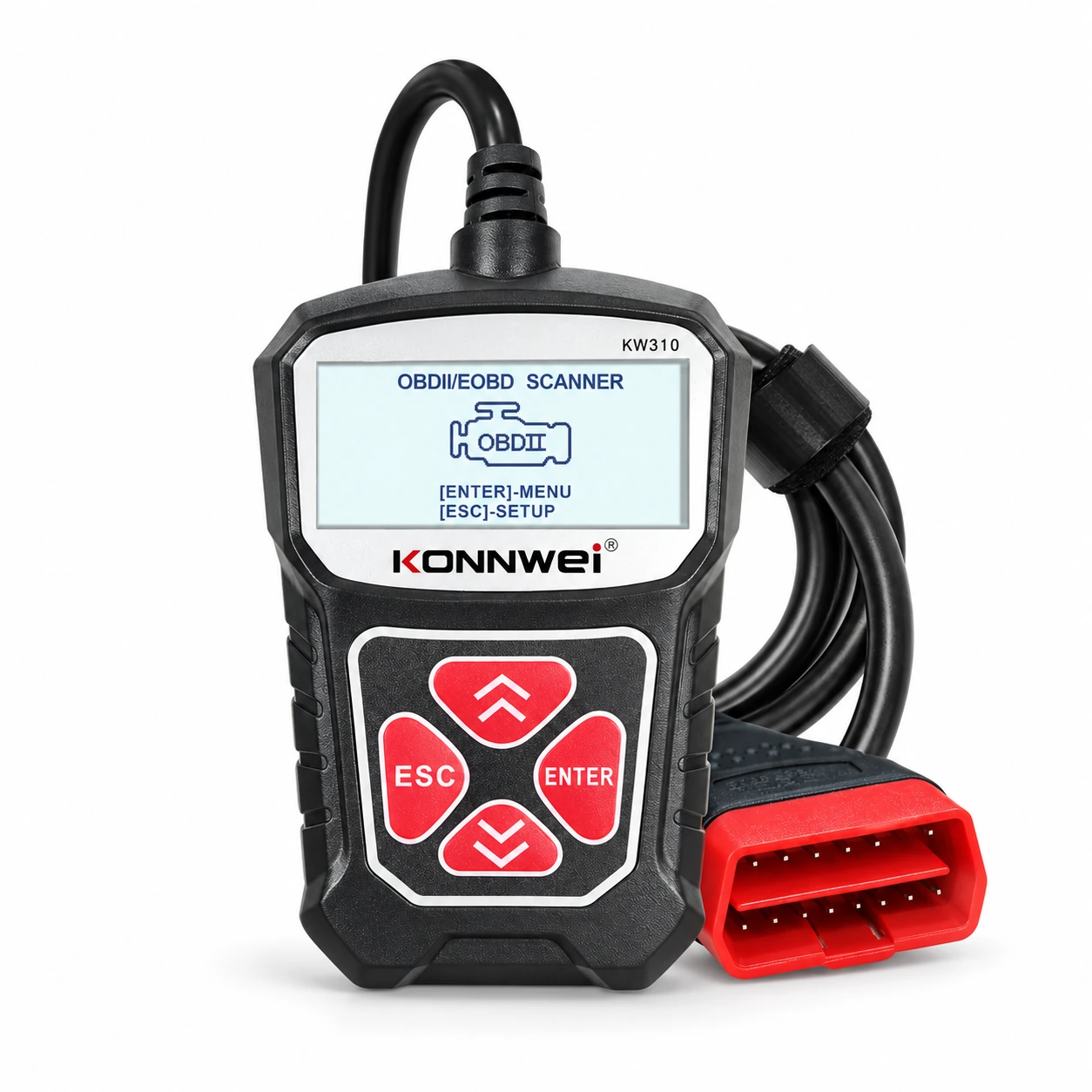
Enhanced studio illustration. Delivered details may vary slightly. Original reference photos are available in the section below.
Scan · Garage essentials
Reads supported engine fault codes through the car’s OBD2 port.
Wired KW310 · check vehicle compatibility
A wired handheld code reader for supported 12V vehicles. It puts basic diagnostic information on its own screen, without using a phone. Confirm the supported protocols and functions for your car before ordering.
Australia delivery included · Ships from overseas.
This product is lined up for launch. Ordering opens when checkout is available.
Save your interest or ask about fitting. No payment today.
OBD2 socket presence does not guarantee every vehicle or feature. Read codes before clearing them, and keep the information for diagnosis.
Product feedback
Selected five-star reviews from the original product listing. Reviewed options may differ; these are not Lunro purchases.
Worked on other vehicles, but not their Oka SEAZ 11116 with a Daihatsu engine.
External listing · English paraphraseOriginal review listing ↗Simple wired operation, without Bluetooth pairing or waiting.
External listing · English paraphraseOriginal review listing ↗Tested successfully on a 2009 diesel Ford Fiesta.
External listing · English paraphraseOriginal review listing ↗Successfully identified and cleared warning messages.
External listing · English paraphraseOriginal review listing ↗Found the diagnostic tool straightforward to use.
External listing · English paraphraseOriginal review listing ↗How it works
Check the make, year, engine and protocol against supplier compatibility.
Connect and operate with the vehicle parked as instructed.
Read and record the results; investigate the cause rather than treating code deletion as a repair.
OBD2 socket presence does not guarantee every vehicle or feature. Read codes before clearing them, and keep the information for diagnosis.
Unretouched references and placement examples. Check the captions and selected option.
A closer look
Examples of placement, use and product details.
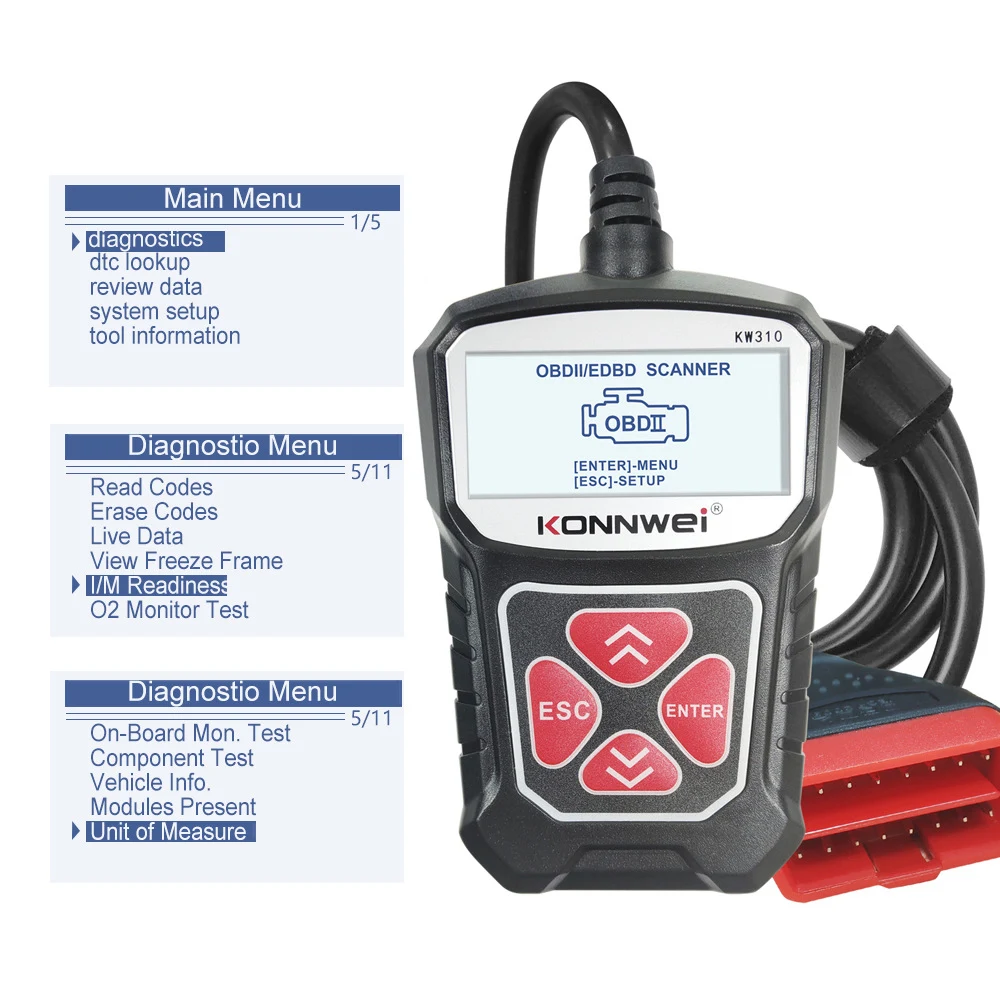
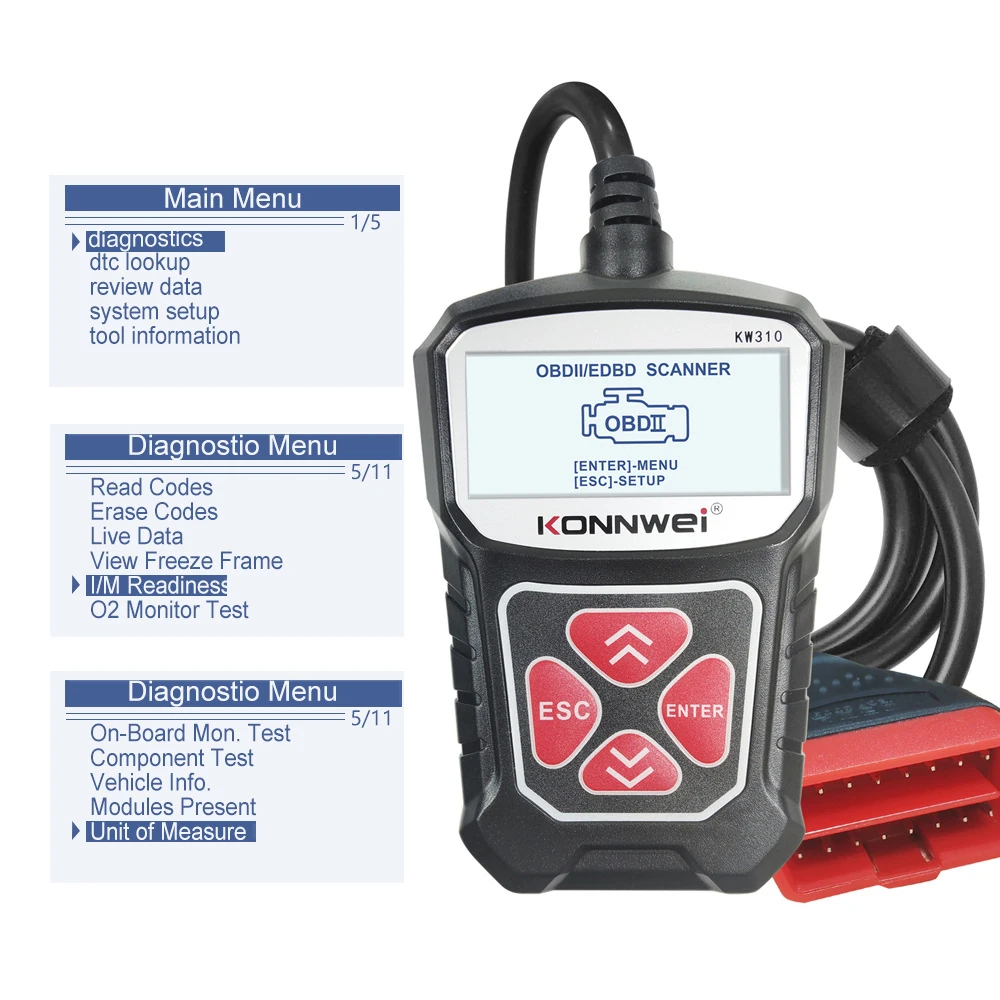
Product detail of the black KW310 and its screen menus. Connect to a supported vehicle’s OBD2 port while parked; menu screens are examples, and supported functions vary by vehicle.
Product detail image